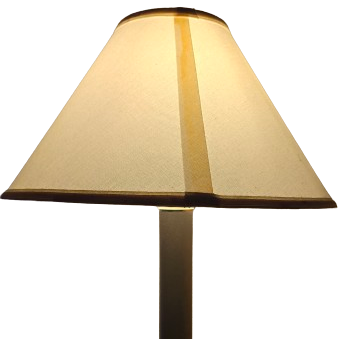
In this guide, I’ll teach you how to set up a lamp or multiple lamps, even if they’re not smart lamps, to be controlled from your phone. I am not sponsored by any of the products I mention, they just happen to be the ones I used when I did this, and I’m pretty happy with the setup.
What you’ll need:
TpLink TP15 mini smart plug
TpLink Tapo app
Any lamp that has an on/off switch or button
To test beforehand if your lamp will work with this method, try turning it on, unplugging it, and plugging it back in. If it comes back on when plugged back in, it’ll work.
Optional: surge protector
If you want to control multiple lights in the same area with only 1 smart plug, plug the smart plug into the wall and then the surge protector into the smart plug
Step 1: plug in the smart plug, wait for the power button to start flashing blue and orange (this means it’s in pairing mode)
Step 2: in the Tapo app, hit the “+” in the top right corner, hit “add device”, hit plugs, choose your model (if you got the TP15 it’s all the way at the bottom)
Step 3: hit “Already Orange and Blue,” wait for your device to be found and give it a name, now you should be able to control it from the home tab of the app.
Step 4: if you set up multiple smart plugs in the same room and want to control them all at the same time, hit the “+” again, hit “add group,” give it a name and location, then choose all the lights you want to include. Now you can control them as a group from the home tab.
Step 4: Optionally for android users (I’m unsure if iPhone has a similar feature,) you can add a widget to your homescreen to control the light or group of lights.
 Think Write
Leave a comment